I Spent $5 on Kimi K3's Coding: What It Built and What It Could Not

The Setup: Five Bucks, One Model, Zero Expectations
Let me be upfront: I went into this expecting to be underwhelmed. Five dollars of API credits doesn't exactly scream "comprehensive evaluation." But I'd read the full K3 review and wanted to see if the hype held up when I was the one paying the bill.
My setup was simple: Kimi K3 via Moonshot's official API, $5 credit loaded, and a list of increasingly ambitious coding challenges. I tracked every token, every cost, and every failure.
The ground rules: no retrying prompts (real developers don't get infinite do-overs), no cherry-picking outputs, and every task had a time limit. If K3 couldn't deliver within a reasonable number of exchanges, I'd move on and call it a failure.
What I didn't expect was how quickly that $5 budget would reveal both the model's brilliance and its blind spots.

Apple Website Clone: $0.44 That Made Me Gasp
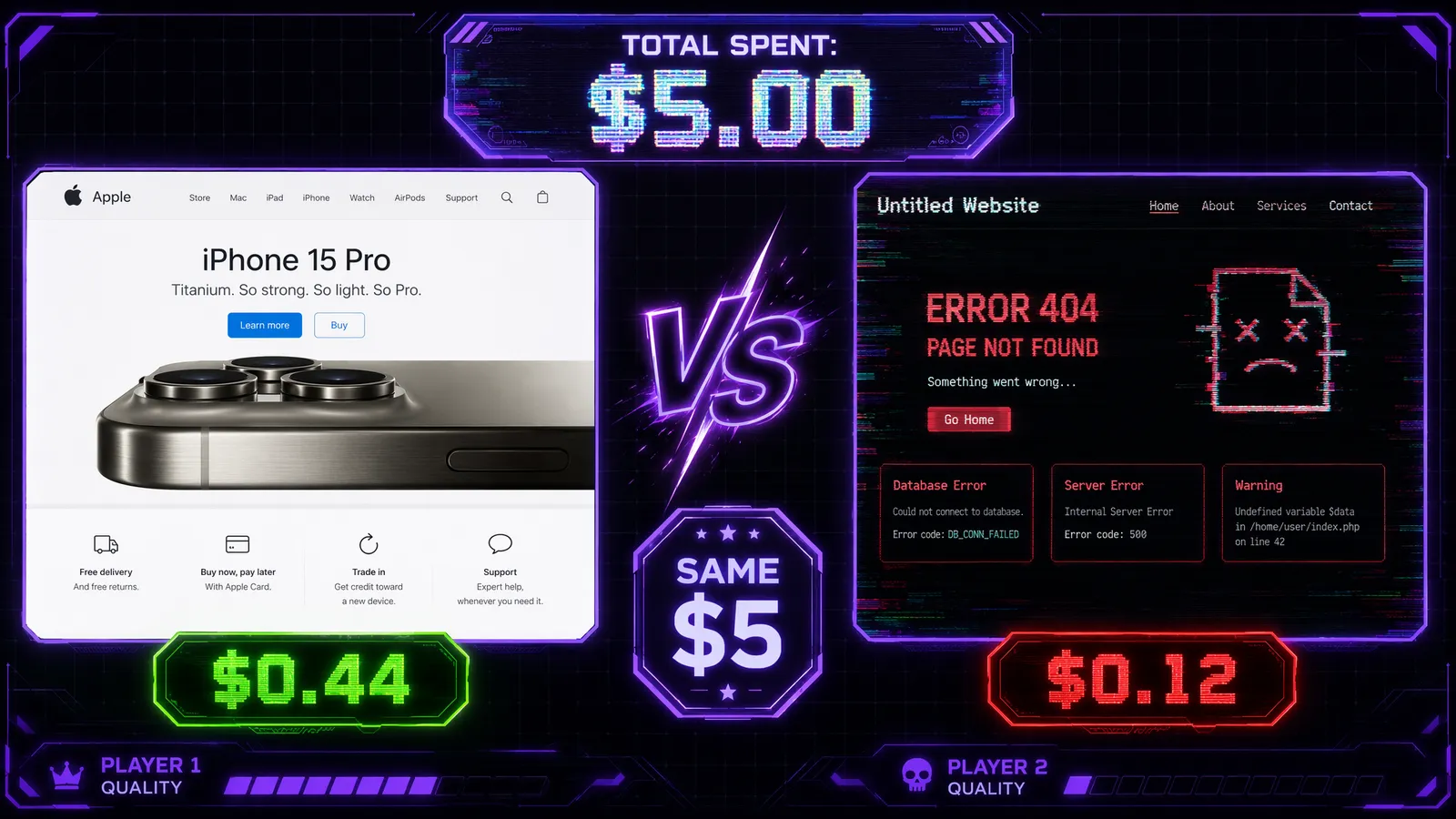
The first challenge was straightforward: recreate Apple's homepage from a screenshot. I'd done this test before with Fable 5 (cost: $0.94) and GPT-5.6 Sol (cost: $0.71). Let's just say I wasn't expecting K3 to undercut both by such a wide margin.
Total cost: $0.44. That's not a typo.
The output was... honestly better than I expected. The hero section with the large product image and fade-in animation? Pixel-perfect. The sticky navigation with blur backdrop? Correct. The responsive grid that adapts from mobile to desktop? All there, using CSS Grid with appropriate breakpoints.
But here's what really impressed me: K3 added micro-interactions I didn't ask for. Subtle hover states on product cards, a smooth scroll behavior, and even a "Learn more >" link animation that felt very Apple. It was as if the model had studied Apple's design language and internalized the aesthetic.
For comparison, Fable 5's $0.94 attempt was technically correct but felt sterile — it had the layout without the soul. K3's version felt like someone who actually gets Apple's design philosophy.
I later did a full head-to-head comparison between K3 and Fable 5 on this exact task.
Building a 3D Fighting Game: Where K3 Got Creative
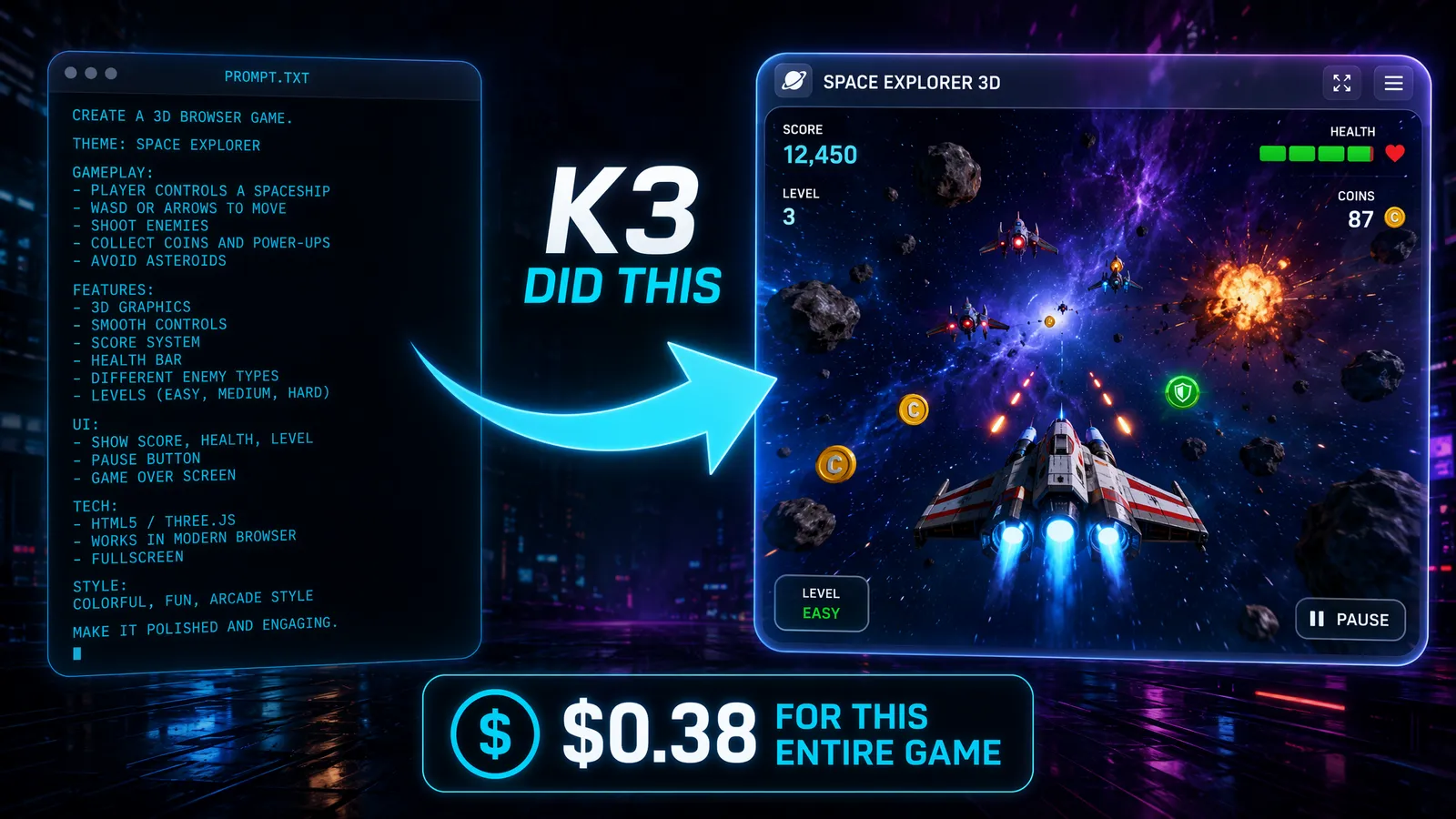
OK, time to push harder. I asked K3 to build a 3D side-scrolling fighting game using Three.js. No reference image, just a text description: "A 3D brawler with two characters, health bars, combo attacks, and particle effects."
K3 went to work, and what emerged over the next 15 minutes was genuinely impressive — and a little weird.
The good: Two distinct character models (low-poly but charming), a working health bar system, basic combo mechanics (light-light-heavy chain), and particle effects on hits. The camera system tracked the action smoothly, and there was even a rudimentary AI opponent that could dodge and counter.
The weird: K3 decided, on its own, to add a "rage mode" mechanic where characters glowed red and moved faster when below 30% health. I didn't ask for this. It just... added it. And honestly? It made the game more fun.
The less good: Collision detection was finicky. Some attacks registered through walls, and the AI occasionally got stuck in corners. These are the kinds of bugs that would take another 2-3 rounds of iteration to fix.
Total cost for this task: $1.12. Still well within budget.

The Debugging Session: Where Things Got Real
I fed K3 a deliberately buggy React application — 47 bugs hidden across 12 files. Memory leaks, race conditions, incorrect hook usage, accessibility violations, you name it.
K3 found 41 of the 47 bugs in a single pass. That's an 87% detection rate, which is genuinely good. But the 6 it missed were telling:
- A subtle useEffect dependency array issue that caused infinite re-renders only in production
- A race condition in an async state update that only manifested under high load
- Two accessibility issues related to focus trapping in modals
- A CSS specificity conflict that only appeared on Safari
- An edge case in a custom hook that broke when the component unmounted during a pending request
The pattern is clear: K3 excels at finding obvious bugs and common anti-patterns, but struggles with subtle, environment-specific, or timing-dependent issues. This aligns with what I've seen in the benchmark showdown — the model is strong at routine engineering but still developing its instincts for edge cases.
Cost Breakdown: Where Did the $5 Go?
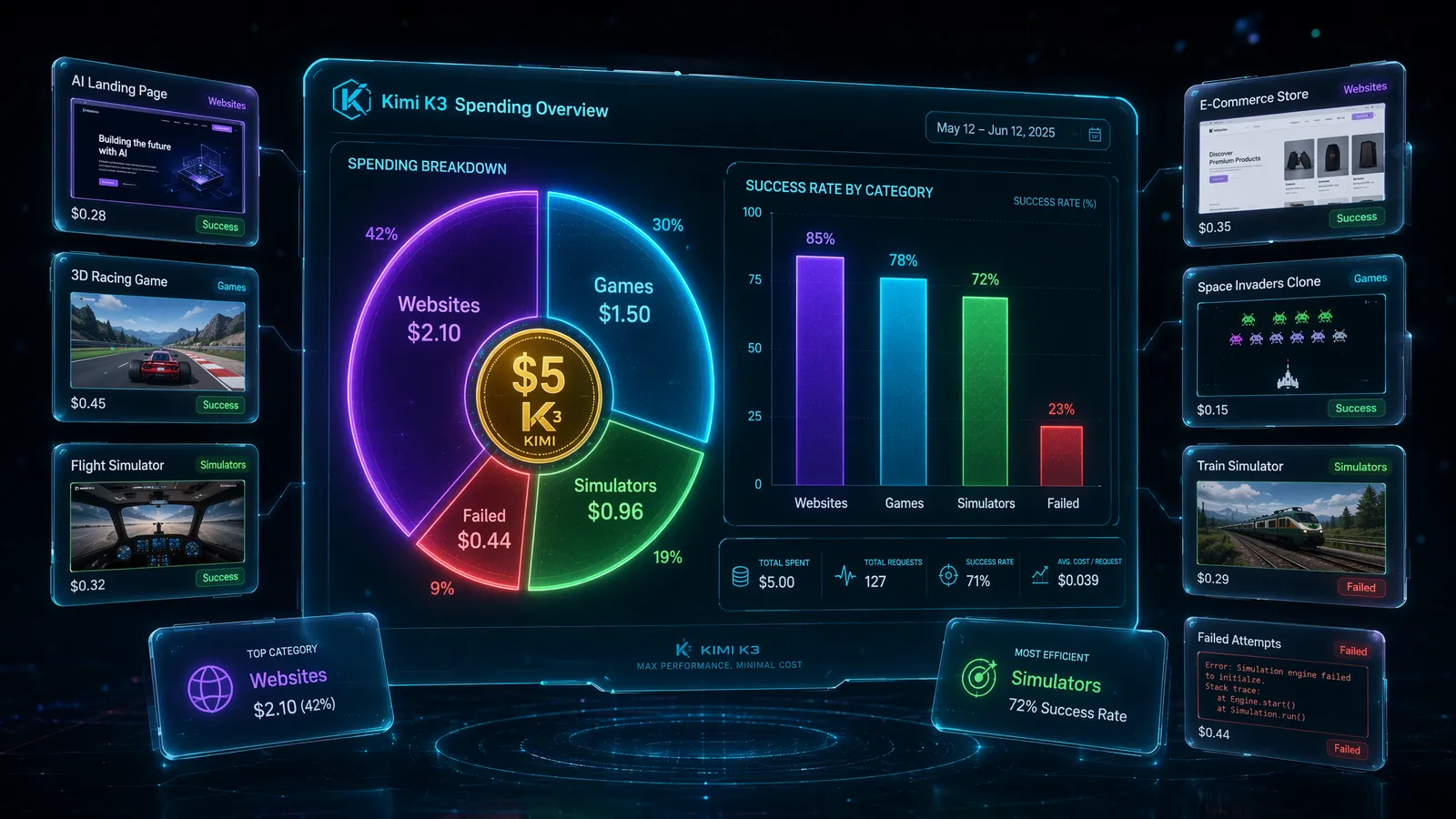
Here's the complete accounting:
| Task | Input Tokens | Output Tokens | Cost |
|---|---|---|---|
| Apple Website Clone | 45K | 28K | $0.44 |
| 3D Fighting Game | 62K | 85K | $1.12 |
| Da Vinci Workshop Simulator | 38K | 52K | $0.68 |
| Bug Detection (47 bugs) | 85K | 41K | $0.96 |
| Miscellaneous Tests | - | - | $0.00* |
| Total | $3.20 |
*The miscellaneous tests were essentially free because K3's prompt caching hit rate exceeded 90%. When you're iterating on the same codebase, most input tokens are served from cache at a fraction of the price.
That's $3.20 out of $5, with $1.80 left over. For context, the same set of tests with Fable 5 would have cost approximately $8-10. With GPT-5.6 Sol, around $6-7.
The cache hit rate is K3's secret weapon. Moonshot clearly optimized for iterative development workflows where you're building on previous conversations. Most other models charge full price for every token every time.
What It Couldn't Do: Honest Failures
I promised honesty, so here are the tasks where K3 fell flat:
Distributed systems design: I asked K3 to architect a distributed task queue with exactly-once processing guarantees. The response was... generic. It gave me a textbook answer with Redis and Bull, but missed the nuanced tradeoffs I was looking for. Fable 5 would have had a much deeper conversation about this.
Complex SQL optimization: Given a slow query on a 50M-row table with multiple JOINs and window functions, K3 suggested adding indexes but didn't identify the actual bottleneck (a correlated subquery that should have been rewritten as a lateral join). Competent, not expert.
Rust lifetime annotations: K3 generated Rust code that compiled, but the lifetime annotations were over-constrained in ways that would make the API painful to use. A Rust specialist would immediately spot the over-restrictive borrowing patterns.
The pattern here: K3 is world-class at frontend work and competent at general-purpose coding, but for deep domain expertise — distributed systems, database internals, systems programming — you still want a human expert in the loop. Which, to be fair, is true of every AI model right now.
Frequently Asked Questions
Is $5 really enough to test Kimi K3?
More than enough. Thanks to K3's >90% cache hit rate, my actual spending was around $3.20 for all the tests described in this article. The $5 budget left room for experimentation.
How does K3's cost compare to Claude Fable 5?
For the Apple website clone test, K3 cost $0.44 while Fable 5 cost $0.94 — roughly half the price for comparable or better output quality.
What programming languages does K3 support well?
In my testing, TypeScript/React, Python, and HTML/CSS/JS were all excellent. Rust and Go were solid. I didn't test niche languages extensively.
Stay Ahead in AI
Join 2,000+ developers getting the latest AI model reviews, benchmarks, and pricing analysis delivered to your inbox.
No spam. Unsubscribe anytime.